Migration mappings and prefixes
Migration mapping is a pair consisting of one source and one destination bucket, along with optional prefix within those buckets.
If you are going to migrate multiple buckets with the same settings, using mappings is more efficient than running multiple migrations.
A migration has at least one mapping. To migrate data from multiple buckets or prefixes, you can add additional mappings using the ADD MAPPING button.
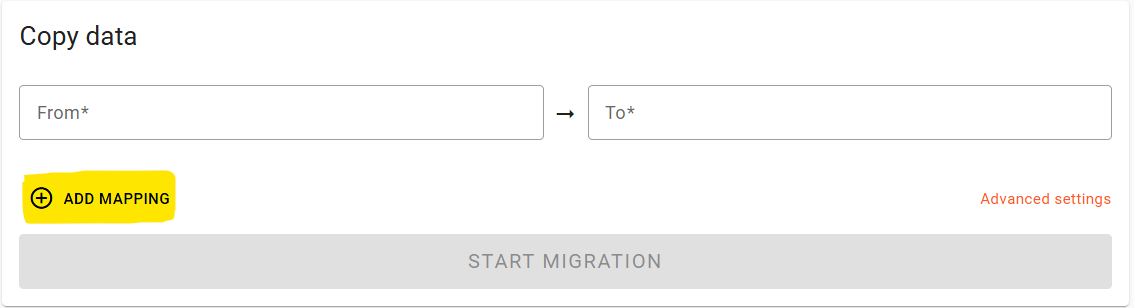
This will show a new empty mapping, up to the default 16 mappings limit. If you need more, contact Flexify support.
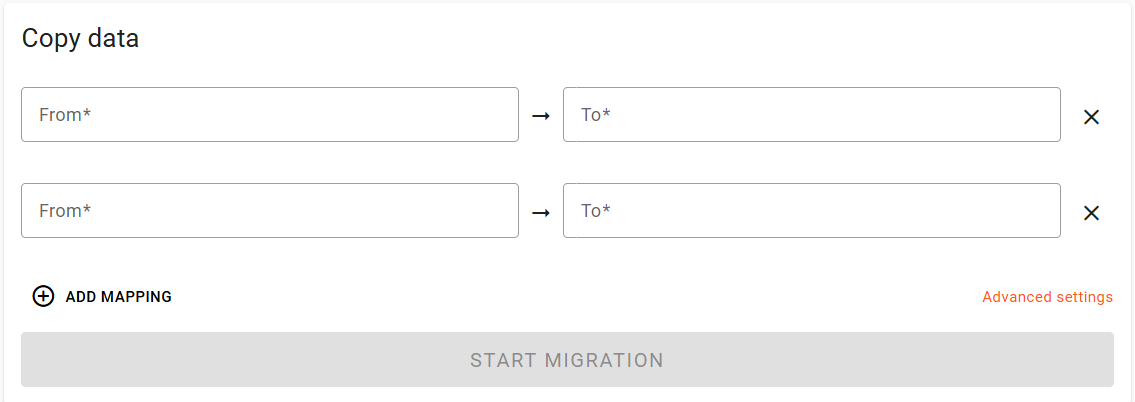
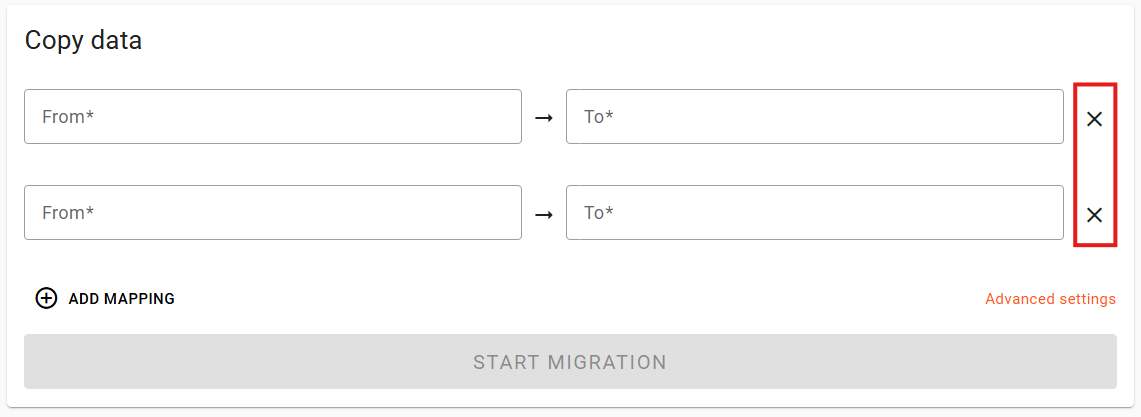
You can also remove a mapping by clicking the X.
You can migrate mappings from or to various clouds or regions in the same migration, however it is recommended that all source and all destination mappings have the same provider/region.
Prefixes
Prefixes define a subset of objects in a bucket with keys starting with that prefix. In object storage are similar to directories or folders in file storage.
By default, Flexify.IO migrates all objects in a bucket and puts them to the destination under the same keys. You can select to migrate objects from or to certain prefixes.
The migration will map source keys or destination keys by:
Removing source prefix from the key
Prepending destination prefix to the key
Prefixes can be specified in the From and To fields.
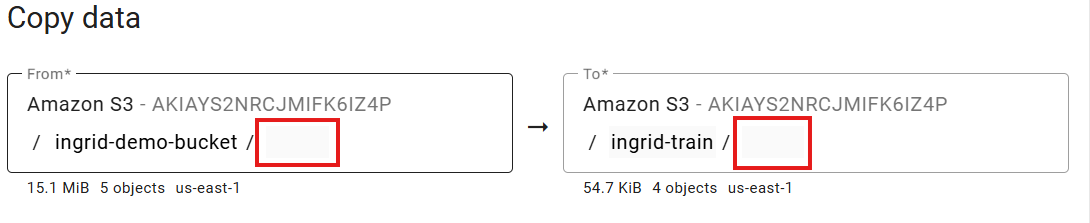
If a source prefix is specified, the migration lists objects with that prefix and migrates them to the “root” of the destination bucket, after removing the prefix. Only objects with keys starting with the source prefix will be listed and migrated.
If a destination prefix is specified, the migration prepends this prefix to all object keys in the destination bucket.

Specifying the same source and destination prefixes keep object keys unchanged.
Prefixes handling example
Suppose we have following objects in the source bucket.
animals/
animals/cat.jpg
animals/dog.jpg
animals/rat.jpg
photo.jpg
list.txt
video.mp4
And the migration configuration is as illustrated as below,

Migration from animals/ source prefix to animal-pics/mammals/ destination prefix.
Here:
ingrid-traindemois a source bucketanimals/is a source prefixanimal-picsis a new destination bucketmammals/is the destination prefix
With this configuration, only objects with prefix animals will be listed and migrated, skipping photo.jpg, list.txt, and video.mp4. The objects will be migrated to the new destination bucket animal-pics under prefix mammals.
After the migration, the destination bucket will contain:
mammals/
mammals/cat.jpg
mammals/dog.jpg
mammals/rat.jpg
Note that source prefix animals/ was removed, destination prefix mammals/ was added, and only objects under the source animals/ prefix were listed and migrated.