Replication pipelines
A replication pipeline is a saved migration configuration for transferring data between object storage locations. It combines migrations settings with a schedule or events configuration.
Use pipelines to maintain a replica in another cloud, copy newly added data to the destination, or repeat a transfer without configuring a new migration each time.
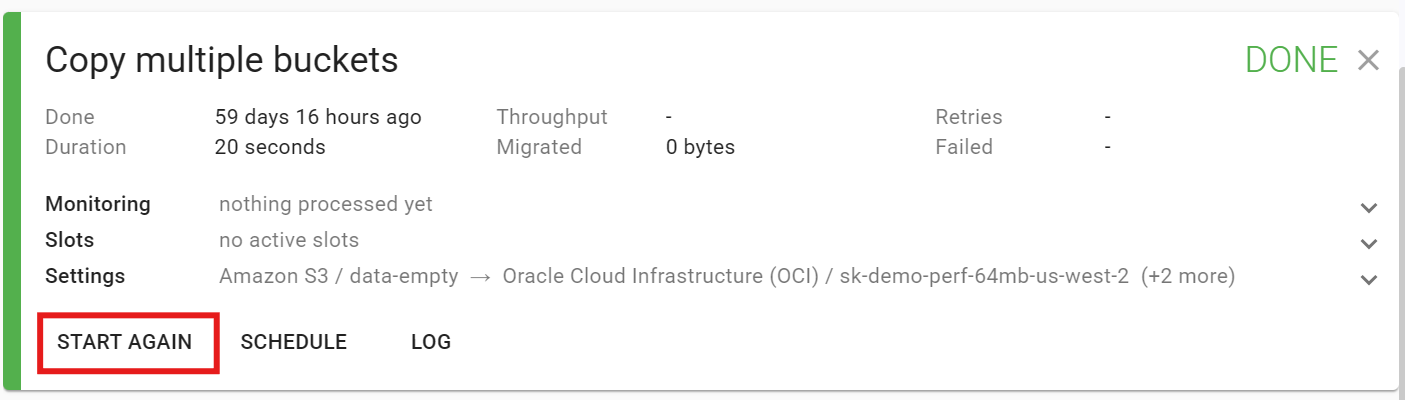
New pipeline can be created from a finished migration by clicking the Start Again button on the migration card.
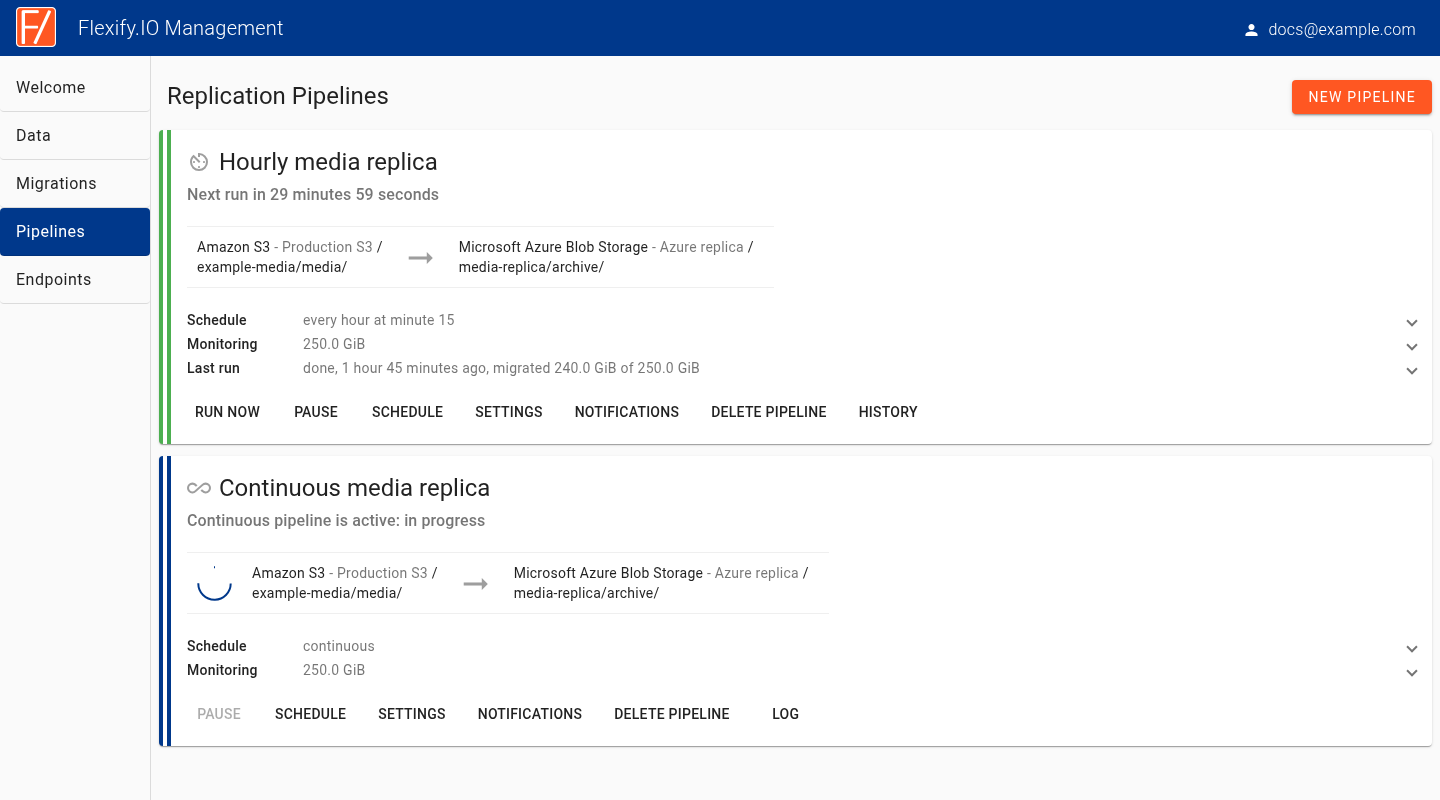
The Pipelines tab in the Flexify.IO Management Console allows configuring and managing replication pipelines.
How pipelines work
A pipeline defines what should happen. A migration is an individual execution of that configuration.
For a scheduled pipeline, Flexify.IO starts migrations at the configured times. Each run starts a migration with defined mappings and settings.
A continuous pipeline processes changes reported by Amazon S3 Event Notifications. It keeps listening for events instead of listing objects in a bucket on a schedule.
Type | How it runs | Typical use |
|---|---|---|
No schedule | You start each run with Run now. | Reusing a migration configuration time-to-time. |
Hourly, daily, weekly, or monthly | Flexify.IO starts a migration at a scheduled time. | Periodically updating a replica or moving new data to another cloud. |
Continuous | Flexify.IO processes source bucket events as they arrive. | Ongoing replication of changes from Amazon S3. |
Continuous notification-based synchronization is available from Amazon S3 only.
What a pipeline contains
Mappings: the source and destination buckets with optional prefixes. A pipeline can contain multiple mappings.
Migration settings: sync mode, how objects are listed, compared, and transferred.
Schedule: when replication runs, or whether it runs continuously.
Notifications: when to send a notification email.
Example
An application stores data in an Amazon S3 bucket. You want a second copy in Azure Blob Storage.
Add both storage accounts to Flexify.IO and create a continues pipeline from the S3 bucket to the Azure container.
Getting started
For event-based replication, start with Continuous replication pipelines.