fl management-server
fl management-server is a mode where Flexify IO Engine registers on the Flexify IO Management Server and receives tasks from it.
To run flexify-engine in the management server mode, run fl management-server --help after Install on Linux (DEB and RPM). In most cases you would want to configure the flexify-engine to run a service with the configure.sh script.
The service-init.sh script automates flexify-engine installation and configuration.
Usage
fl management-server [OPTION]...
For backward compatibility, the “management server” mode is automatically selected if URL of the management server is specified via the FLEXIFY_ENGINE_MANAGEMENT_URL environment variable.
Options
Command line option | Environment variable | Description |
|---|---|---|
|
| (required) URL of management server |
|
| (optional) ID of this engine instance |
|
| (required) Passkey for registering on the management server. |
|
| Secret key from management server |
|
| Code of the cloud where engine runs |
|
| Region of the cloud where engine runs |
|
| Network configuration in which engine runs |
|
| ⚠️ Management server config polling interval (sec) [5] |
|
| ⚠️ Reporting to management server interval (sec) [5] |
|
| Request timeout for management server (sec) [90] |
|
| Logging level for synchronization logs with management server. Allowed values: Default: same as |
Examples
To Connect to the Management Server you’ll need to have the --management-url and --passkey of the server for this example we’ll be using the test environment,
fl management-server \
--management-url https://api.flexify.io \
--passkey <passKey>
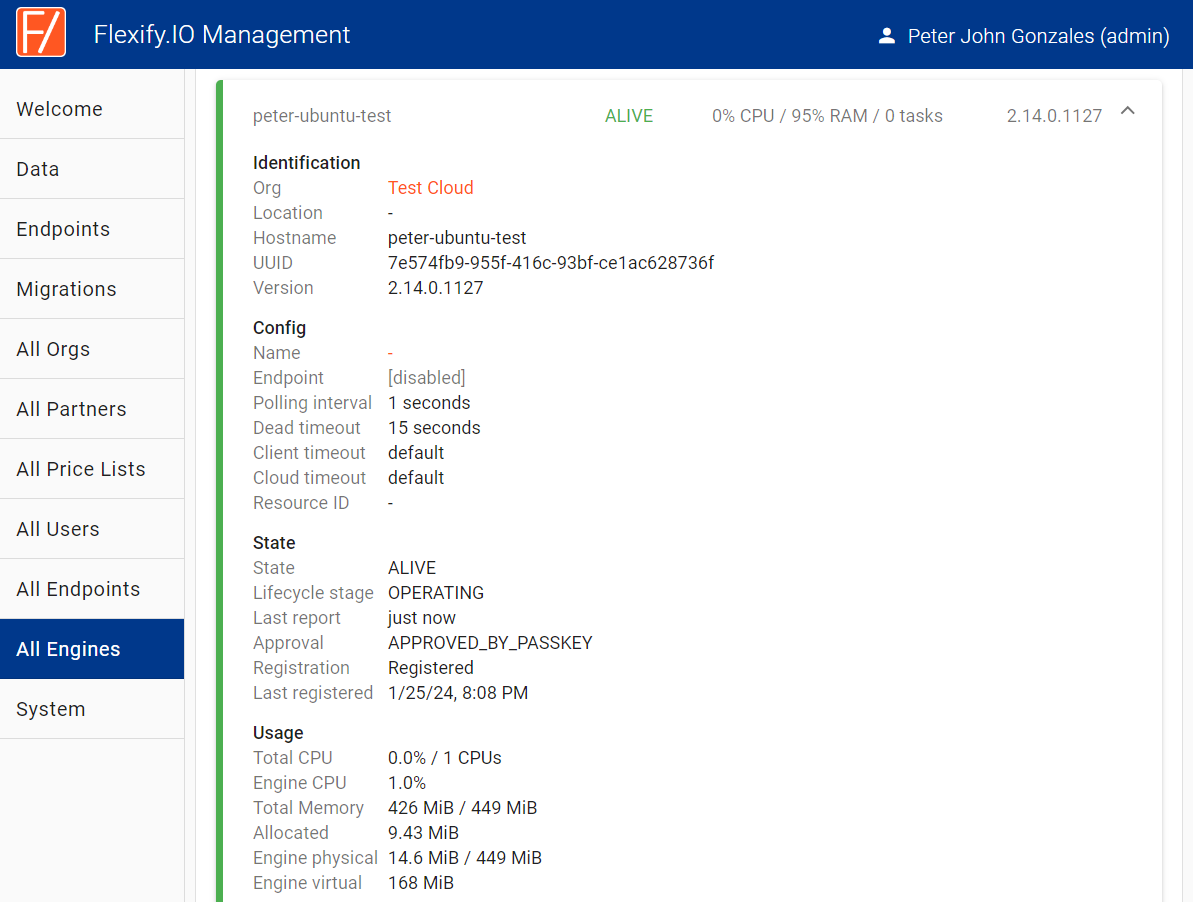
Check Flexify.IO Management UI, and go to All Engine page and check if your engine state is now ALIVE